
How to change Email setting in CiviCRM – WordPress ?
October 31, 2016
Recent Posts
- From Excel Chaos to Automated Operations: How Power Apps Transformed a Field Service Business
- Power BI vs Excel: Which Reporting Tool Is Right for Your Business?
- Smarter Call Scheduling with Power Automate, SharePoint and Microsoft Teams
- We’re Heading to the Odoo Business Show in Birmingham: Here’s What We Want to Talk About
- Only One in Six UK Businesses Are Using AI. Is Manufacturing Falling Behind?
Want to make your Microsoft 365 work harder for your business?
and we’ll tailor a solution that’s just right for you.
If you are looking for way to change CiviCRM Email Setting than follow quick steps guide to do that –
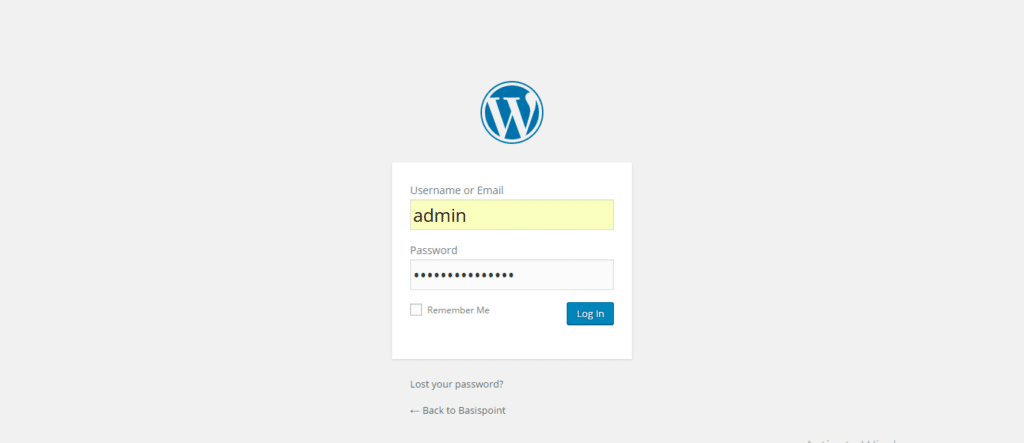
- Go to your WordPress website’s admin login usually, www.yourwebsite.com/wp-admin
- Enter your username and password and sign in
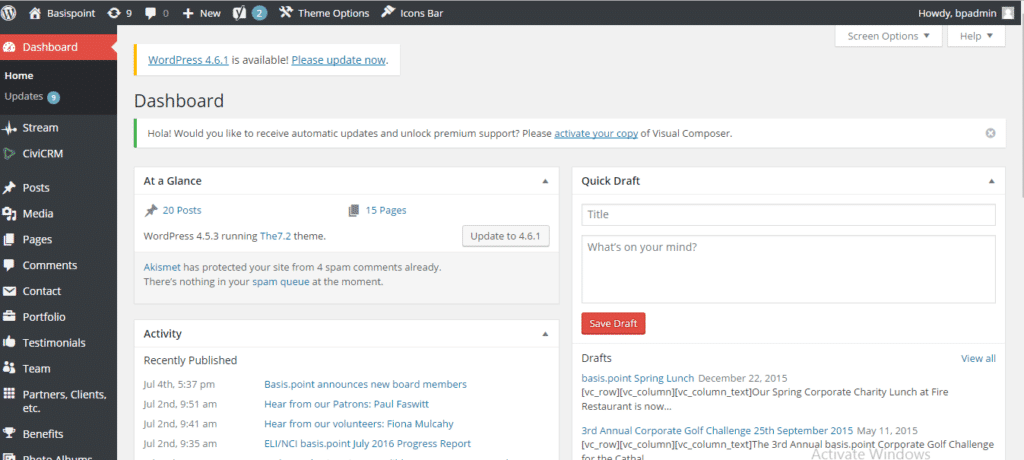
- Then Click on CiviCRM from left-hand side tool bar. It will open up the Dashboard of CiviCRM
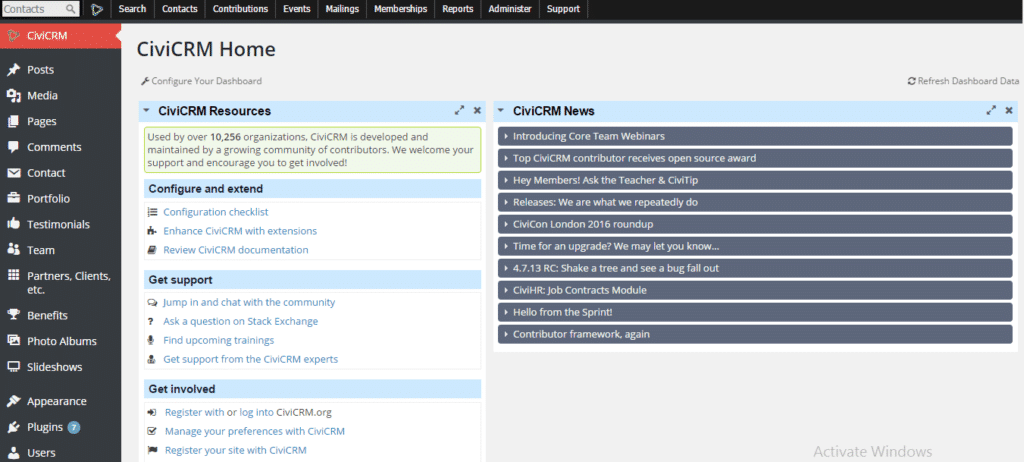
- On the Top Tool bar you will see “Administer”, click on it
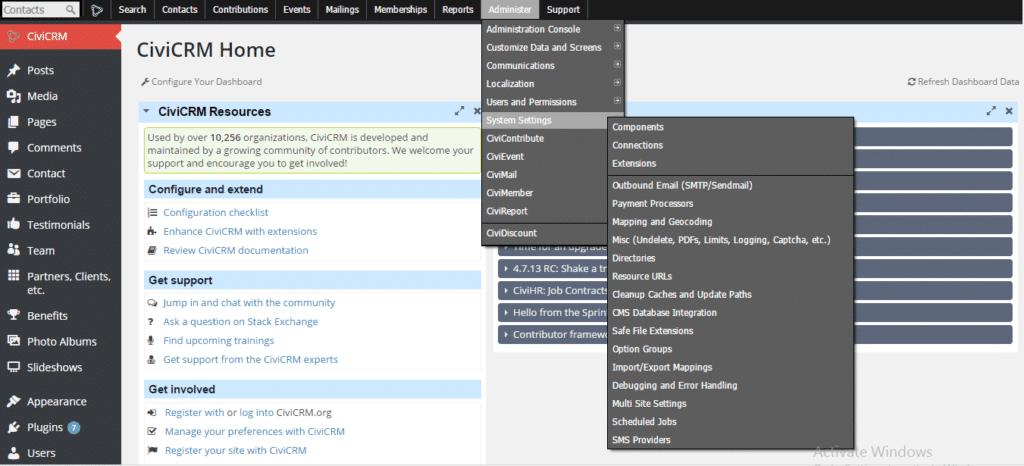
- It will show “System Settings”, hover on it would show you “OutBound Settings (SMTP/Sendmail)” click on that
- It will open a page, which will have various email settings such as “
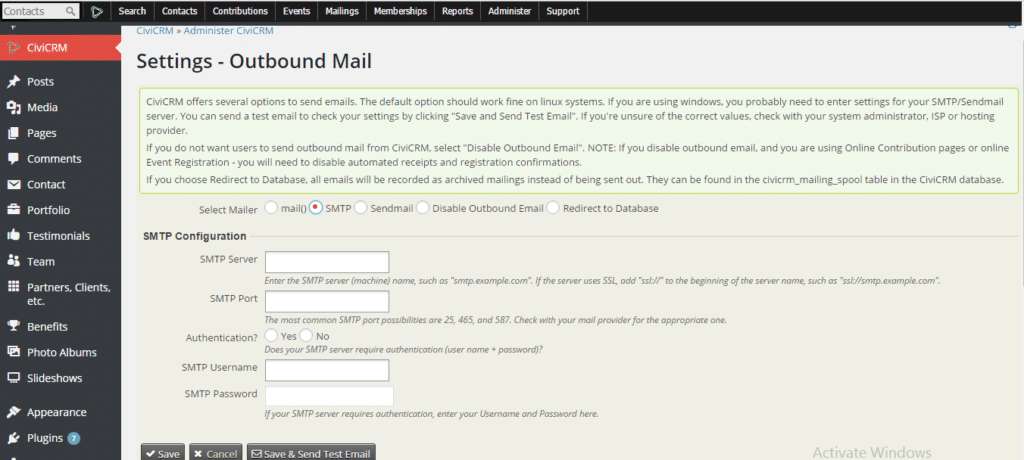
- You can Click on SMTP, which will open the below –


 English (United States)
  English (UK)
  English (Ireland)
  English (India)