
Sharing your calendar in Microsoft 365 with Others
June 15, 2016
Recent Posts
- Before 2027: 8 Things Your Business Should Fix Before the Year Ends
- 7 Signs Your Business May Have Outgrown Its Current Systems
- Odoo 20: 20 of the Best New Features You Need to Know About
- Is Your Business Ready for AI? 7 Things to Fix Before You Start
- Why Businesses Choose Target Integration as Their Odoo Partner
Want to make your Microsoft 365 work harder for your business?
and we’ll tailor a solution that’s just right for you.
In the world WORKING with TEAM, sharing your calendar with other(s) is really important for you to do as you can not have know what you are they are working on and can plan your day/week/month accordingly but also be more efficient instead of wasting your time in calling or asking them about your/their calendar.
Below are the steps with which you can share your Calendar with other(s)
- Login to your web O365 (portal.microsoft.com)
- Enter your username and password
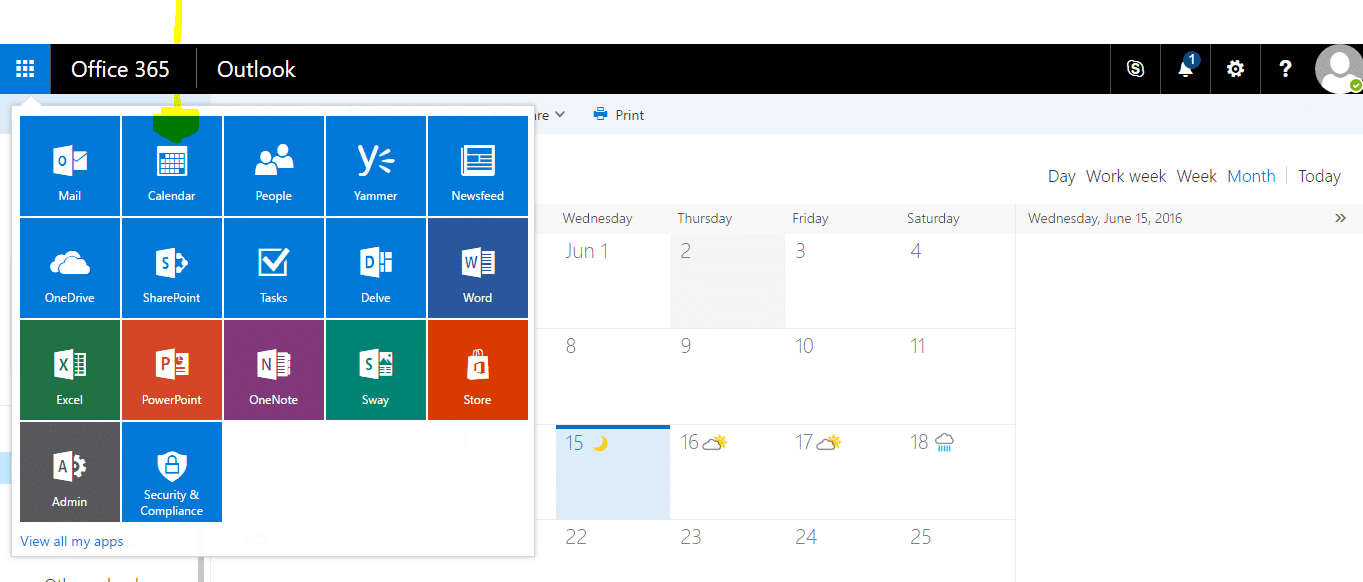
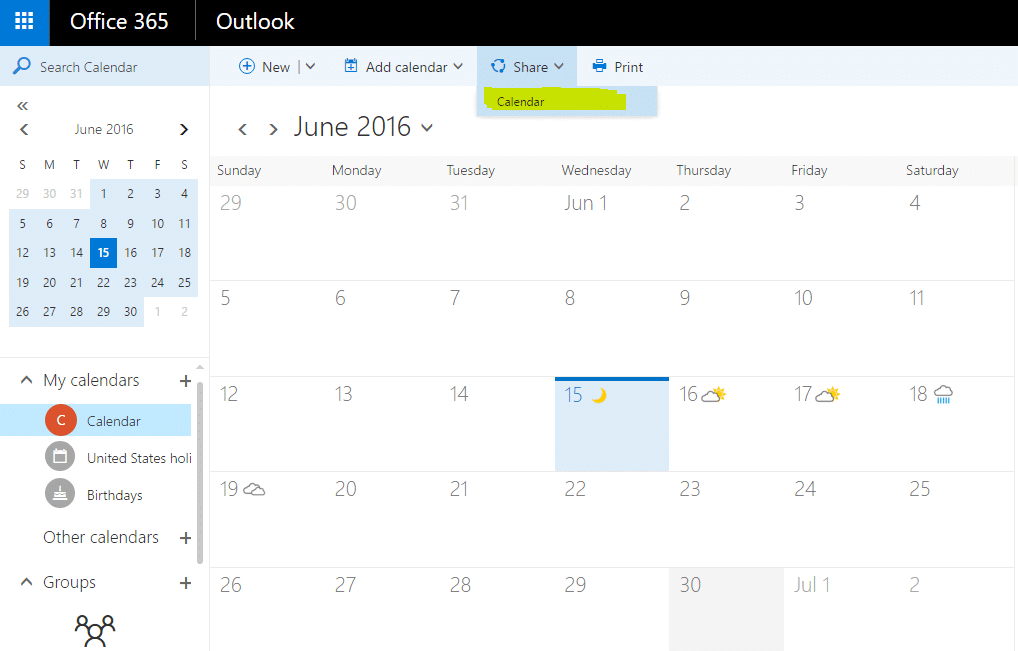
- Once you login click on calendar
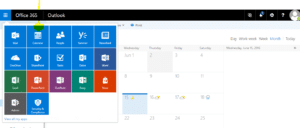
- It will open your calendar
- After that click on share in the middle of the screen which will
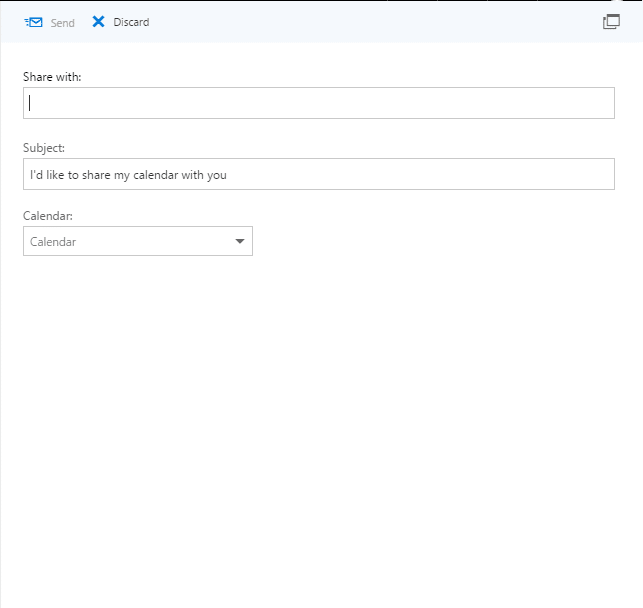
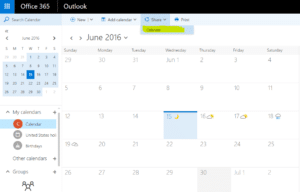 Once your you click on Calendar, it will show a pop where you need enter the email id of the person, the message that you would like to send and click on send
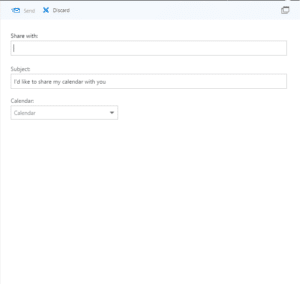 This will share the calendar with the person that you have selected.
If you have any questions then leave the comment and if you liked our findings for you then share it with your friends.
Ciao:) !


 English (UK)
  English (United States)
  English (Ireland)
  English (India)