
How to change Email setting in CiviCRM – WordPress ?
October 31, 2016
Recent Posts
- Lean Business: How to Reduce Waste and Build More Efficient Processes
- Scariest Business System Nightmares – and How to Banish Them
- The Connected Compliance Problem
- Mind the Digital Gap: Is Your Business Ready for What Comes Next?
- AI Transformation Is a Business Change Challenge, Not Just a Technology Project
Want to make your Microsoft 365 work harder for your business?
and we’ll tailor a solution that’s just right for you.
If you are looking for way to change CiviCRM Email Setting than follow quick steps guide to do that –
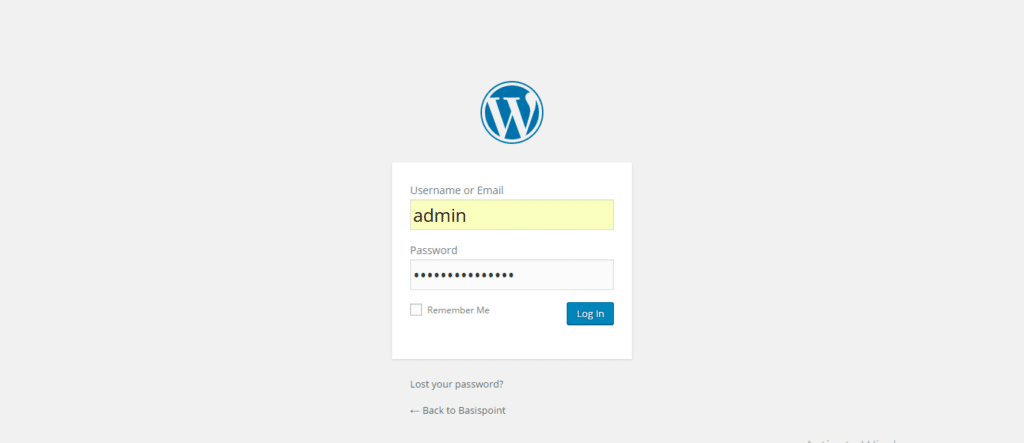
- Go to your WordPress website’s admin login usually, www.yourwebsite.com/wp-admin
- Enter your username and password and sign in
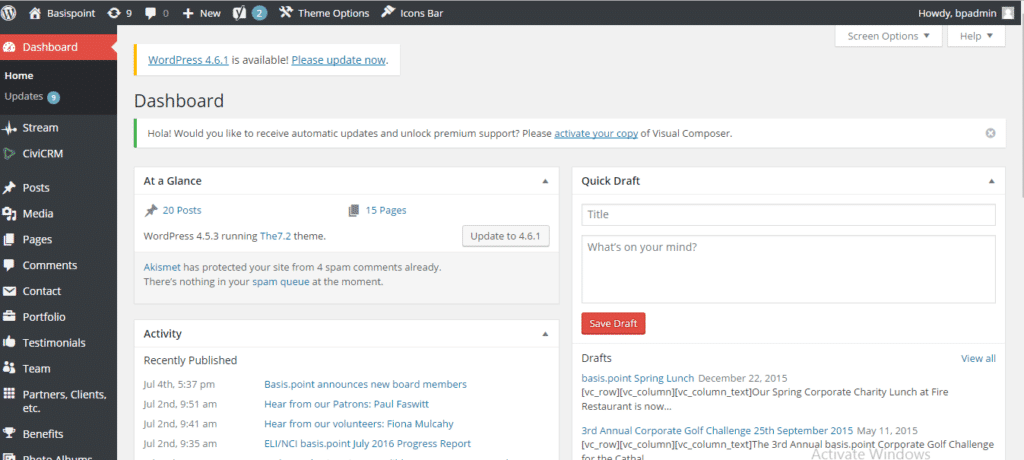
- Then Click on CiviCRM from left-hand side tool bar. It will open up the Dashboard of CiviCRM
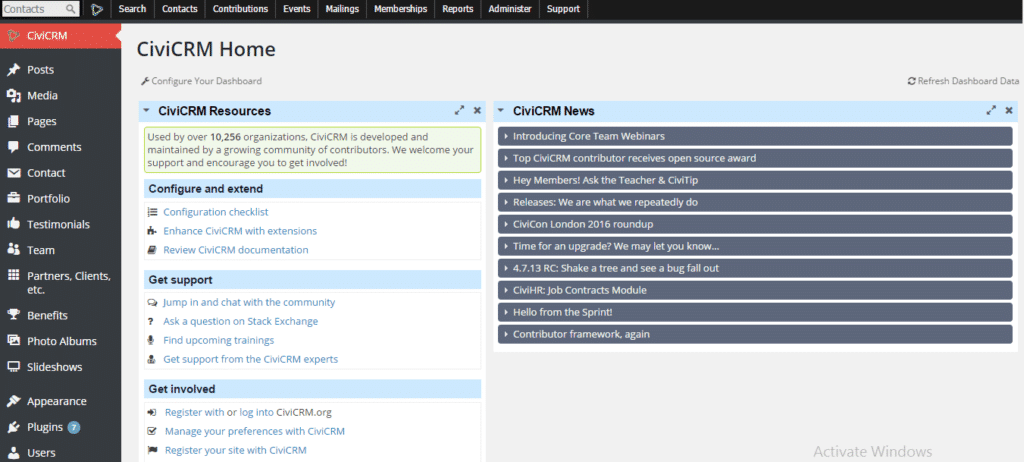
- On the Top Tool bar you will see “Administer”, click on it
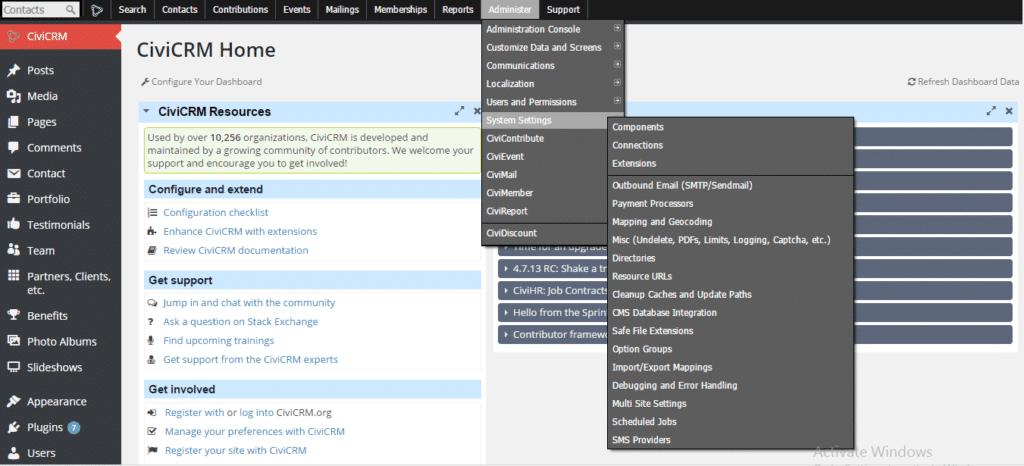
- It will show “System Settings”, hover on it would show you “OutBound Settings (SMTP/Sendmail)” click on that
- It will open a page, which will have various email settings such as “
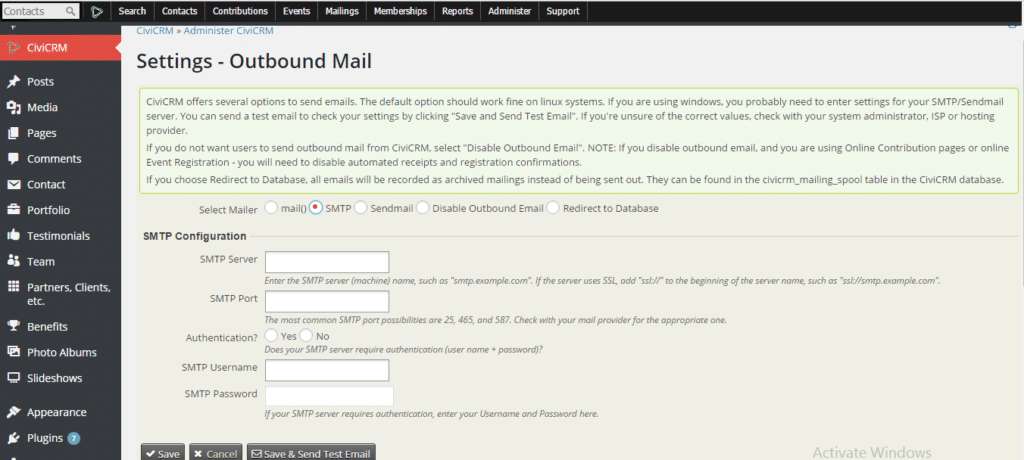
- You can Click on SMTP, which will open the below –


 English (UK)
 English (United States)
 English (Ireland)
 English (India)